
My Role: Sole UX Designer
- Visual Design & Layout
- Mockups, Prototypes
- User Testing
Tools used:
- Figma
- FigJam
- Lyssna (UsabilityHub)
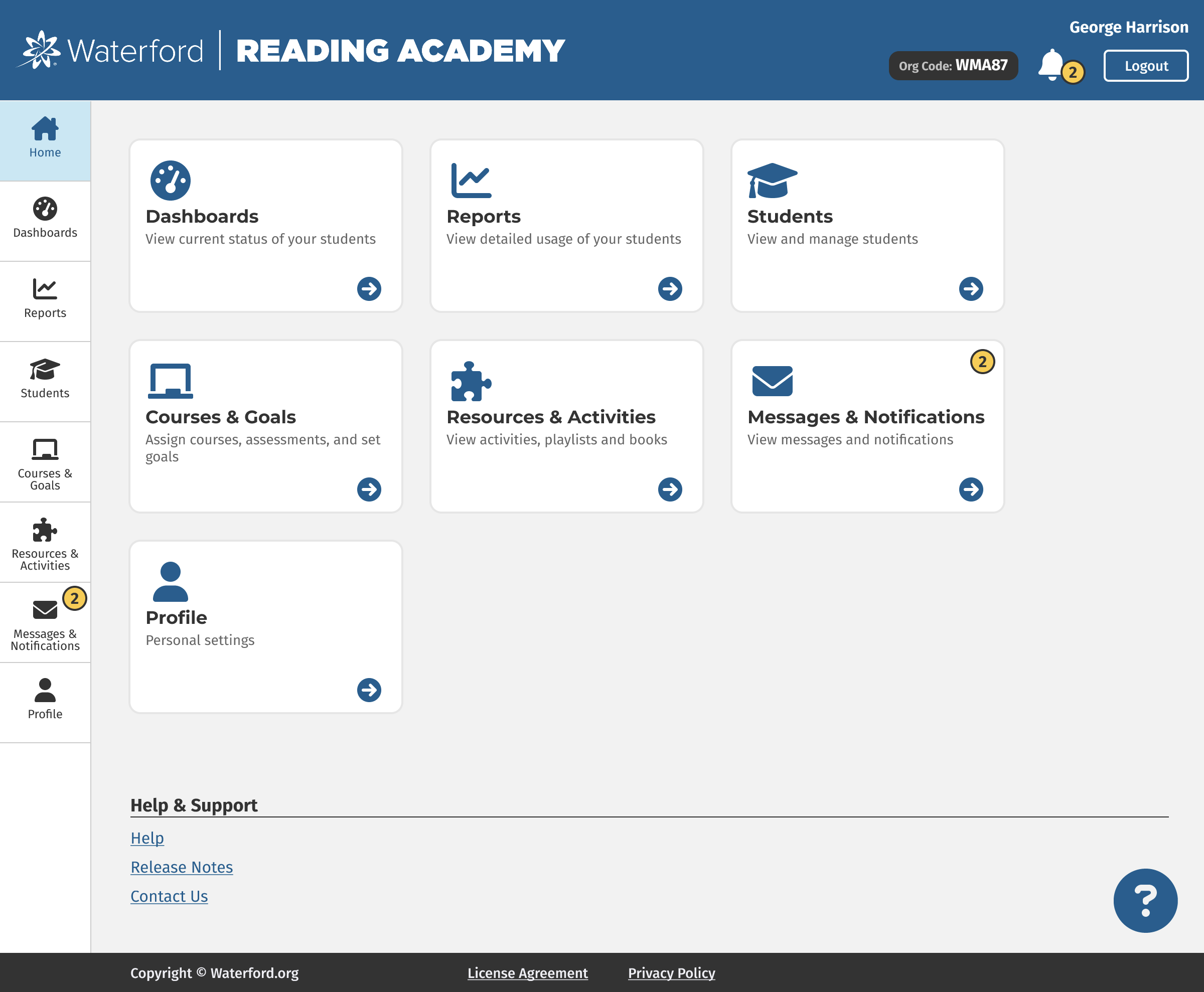
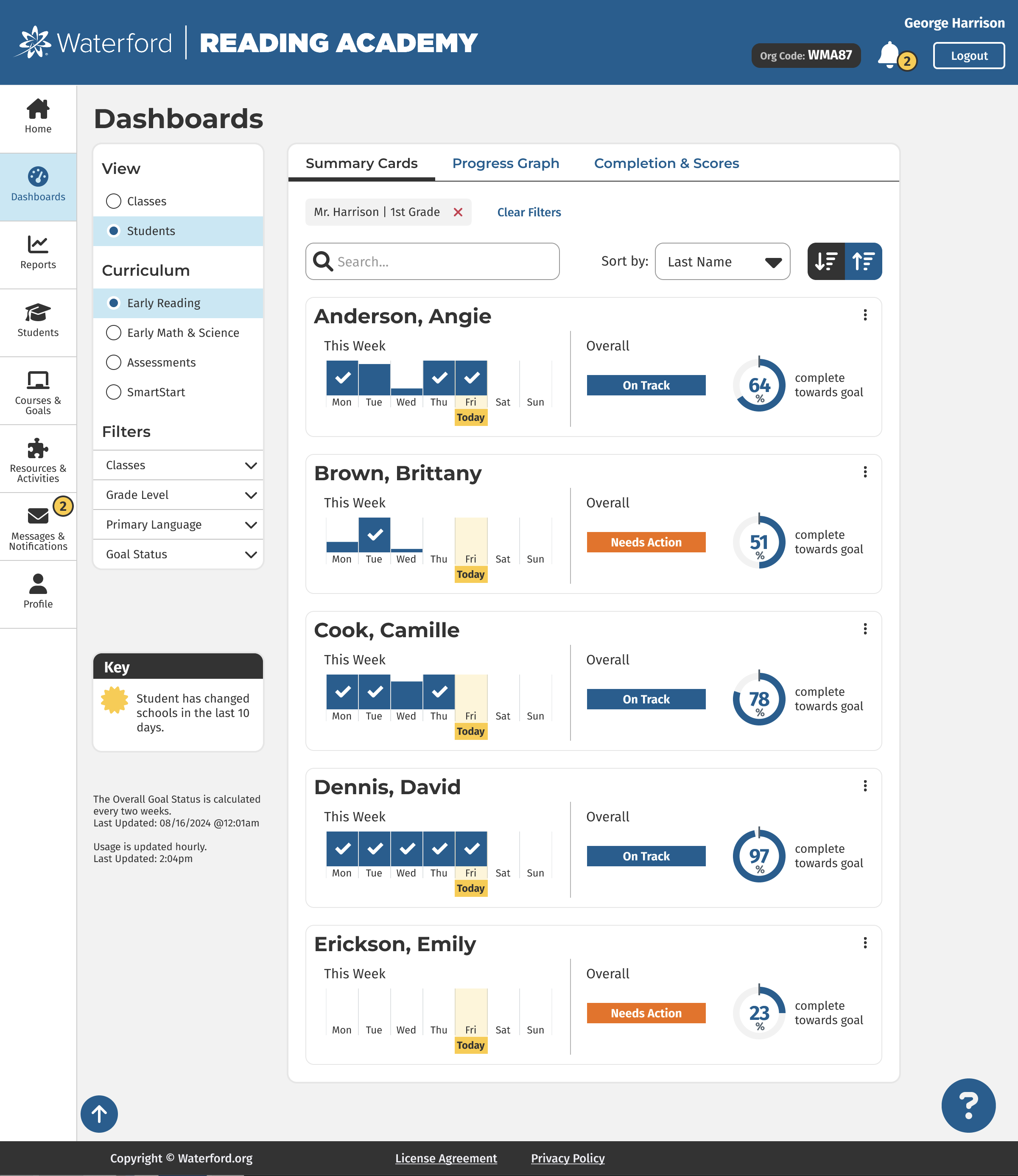
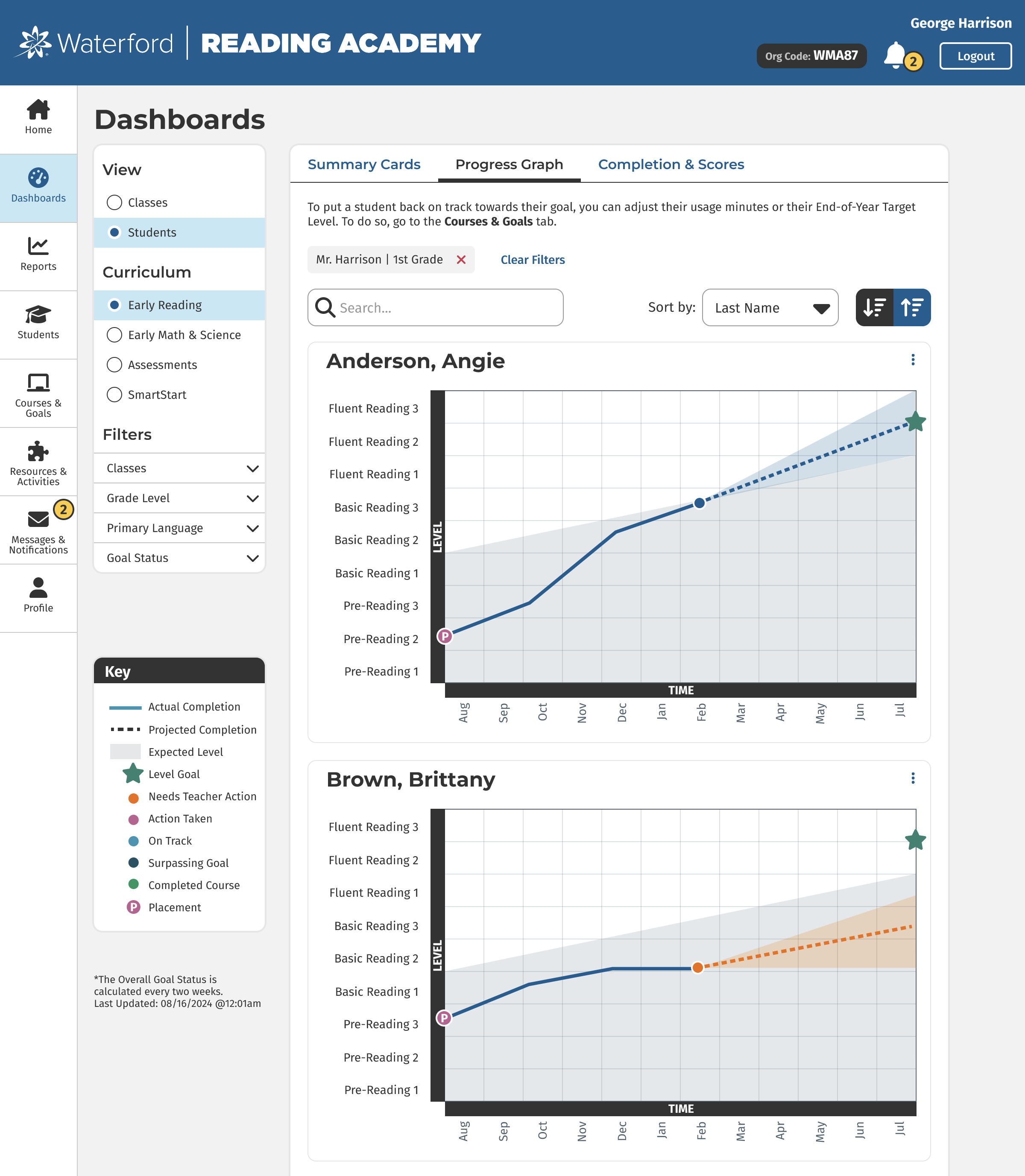
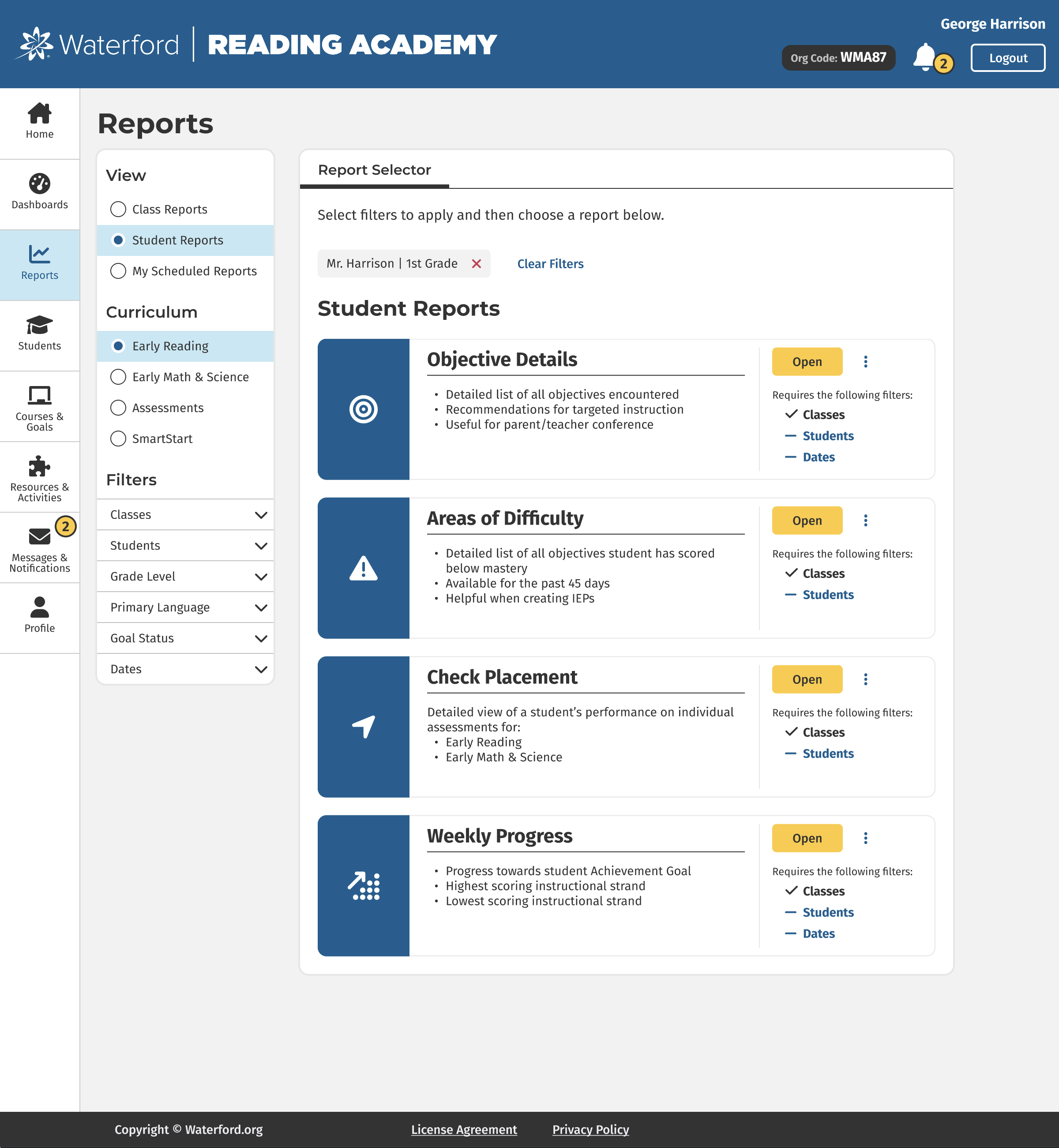
Waterford Reading Academy is a Student Information System used by school districts and classes. Administrators and Teachers can roster their students, assign curriculum, and view progress.
I worked with the Product Manager and Product Owner to discover what our users wanted for this site. We conducted interviews with teachers, along with school & district administrators. We created user flows in Figjam. The icons were sourced from Font Awesome. I designed this app and collaborated with developers to get their input.
Below you will find screenshots of the final product and then a detailed view into my research and process. You can use these links to skip straight to a section.
Mobile Screenshots
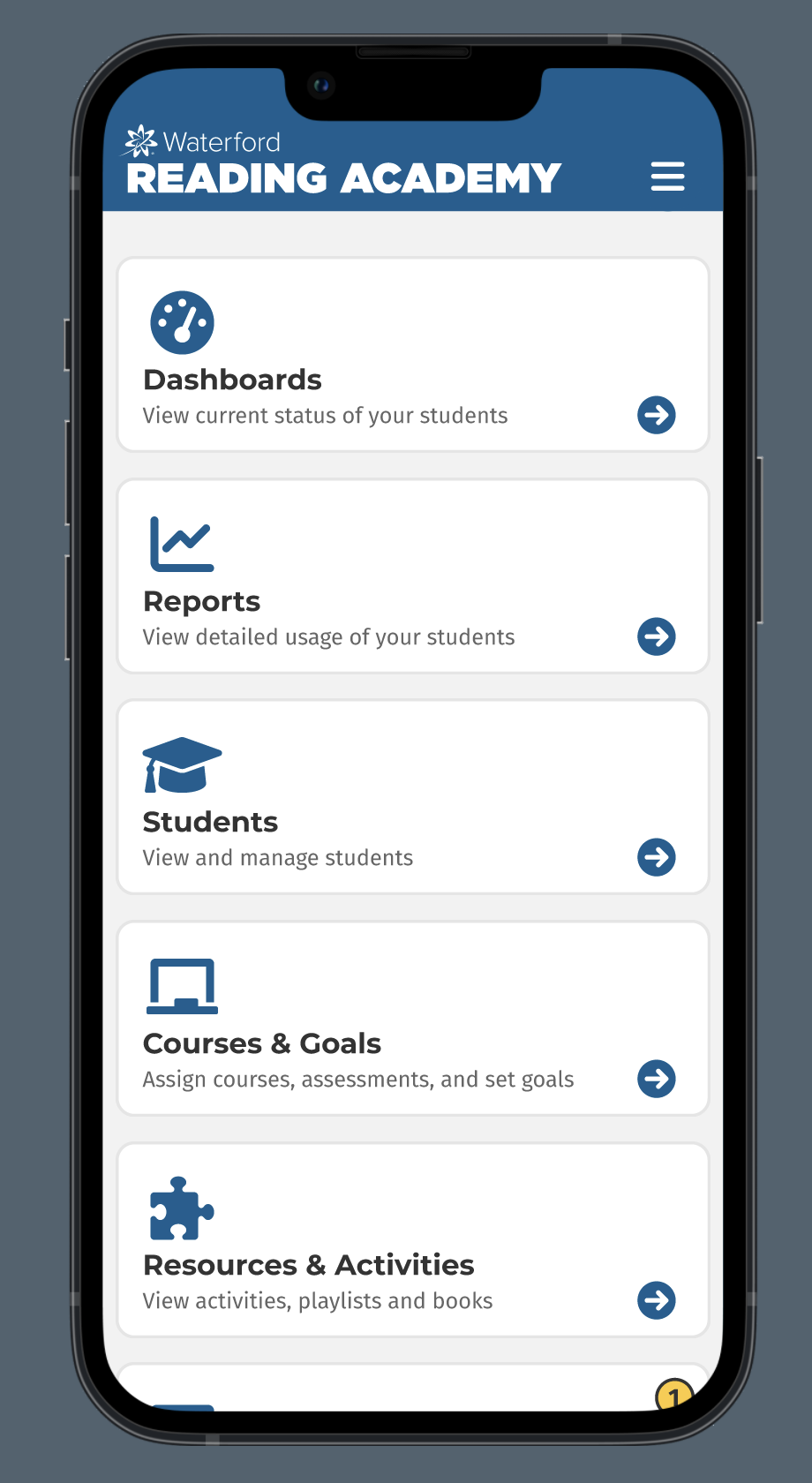
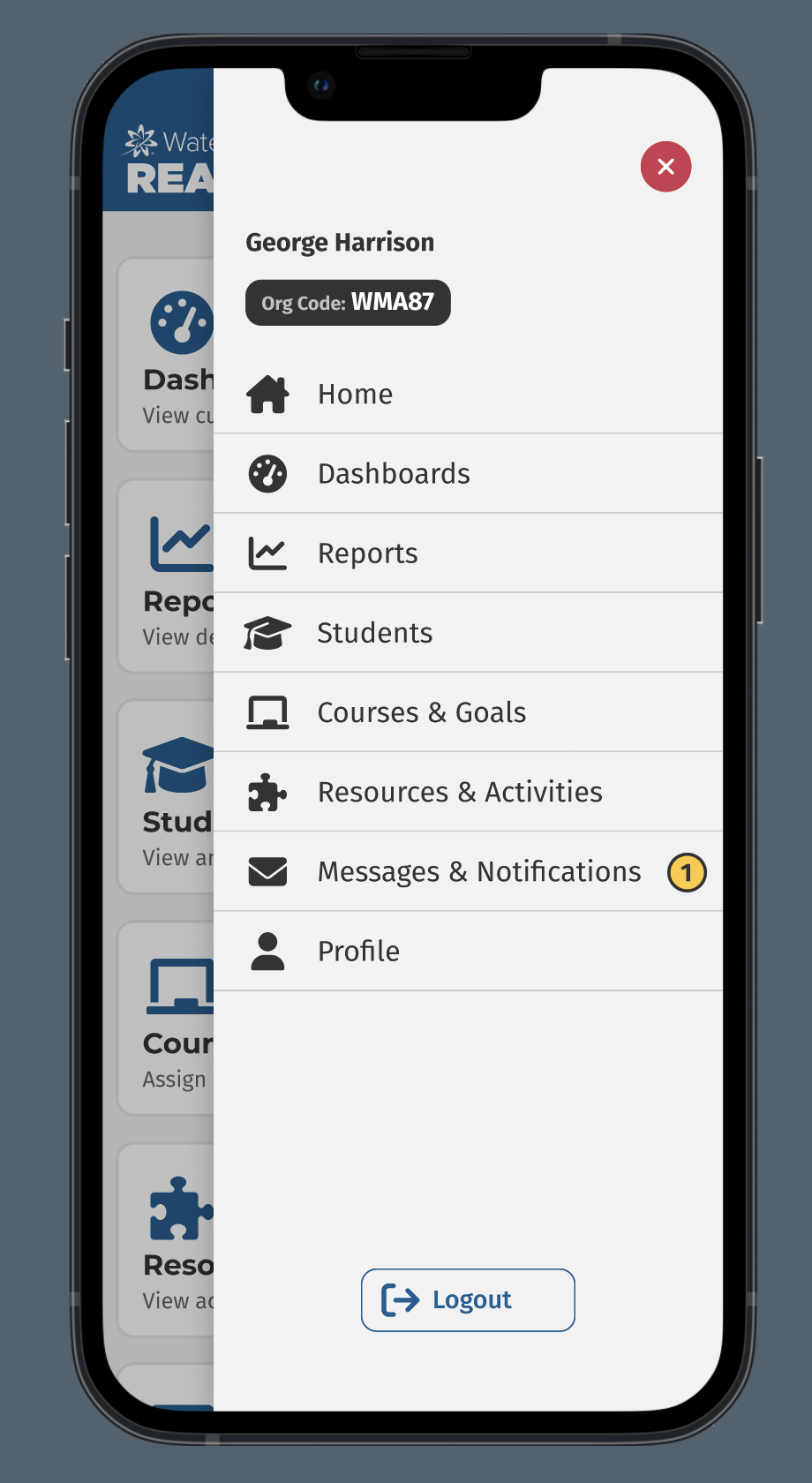
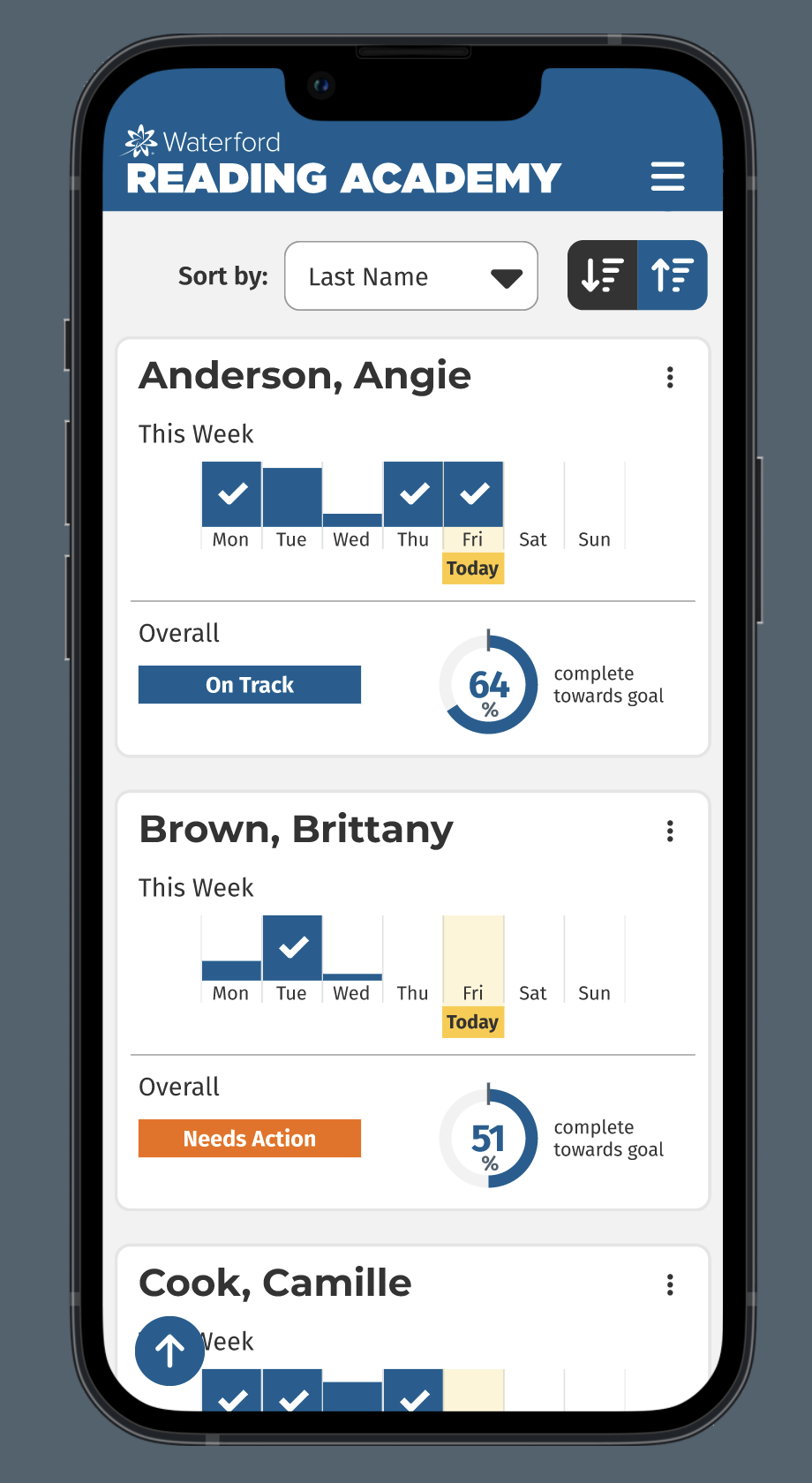
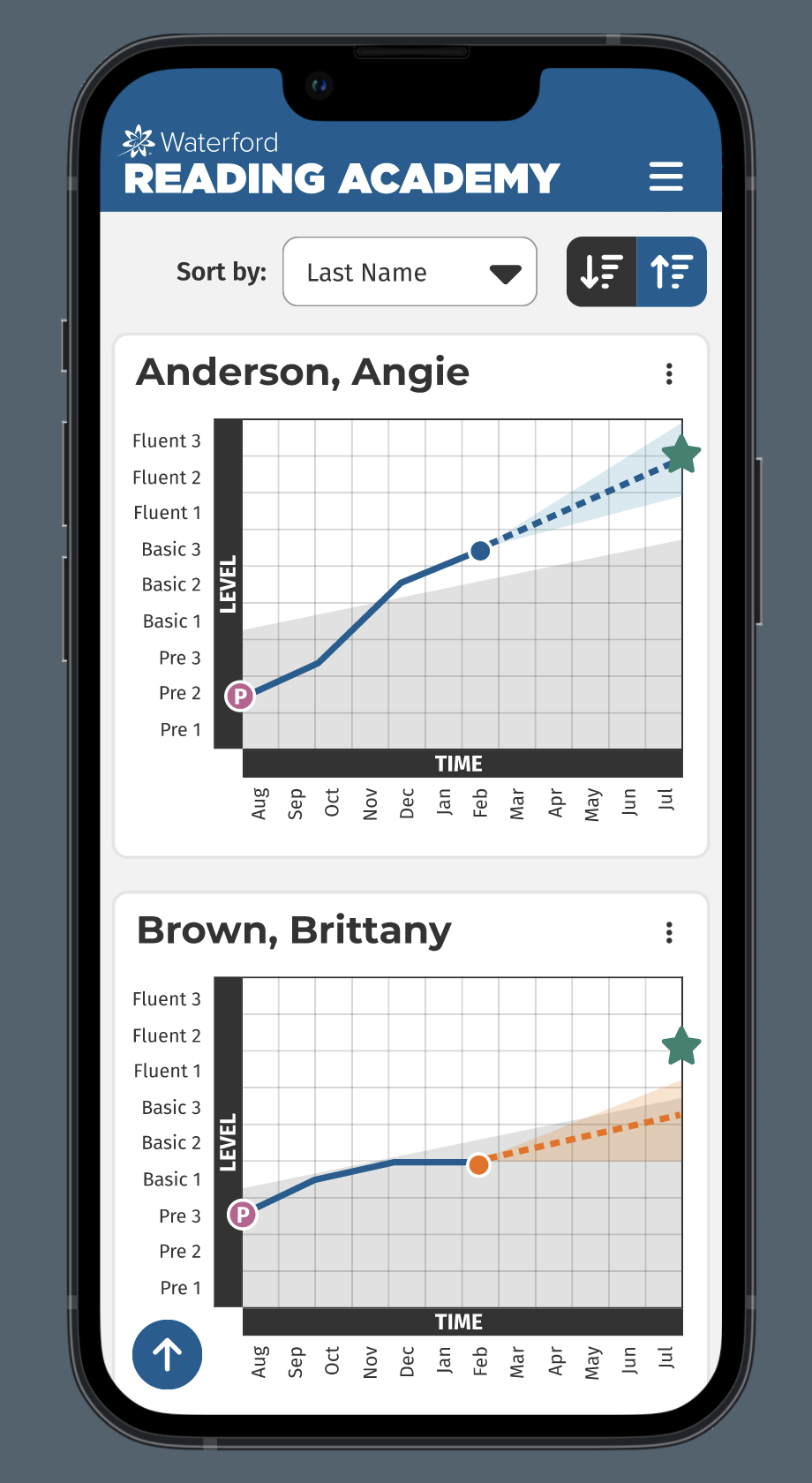
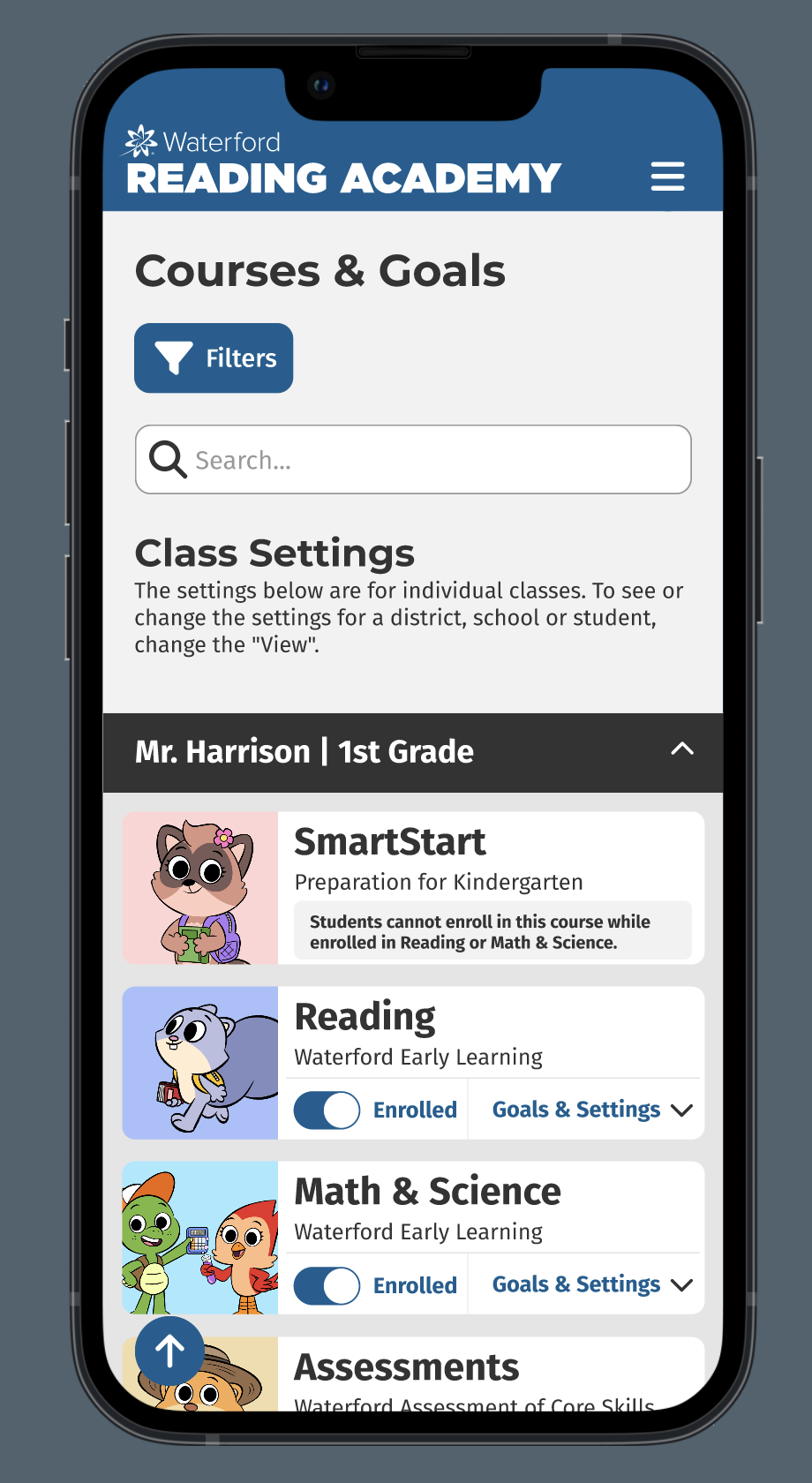
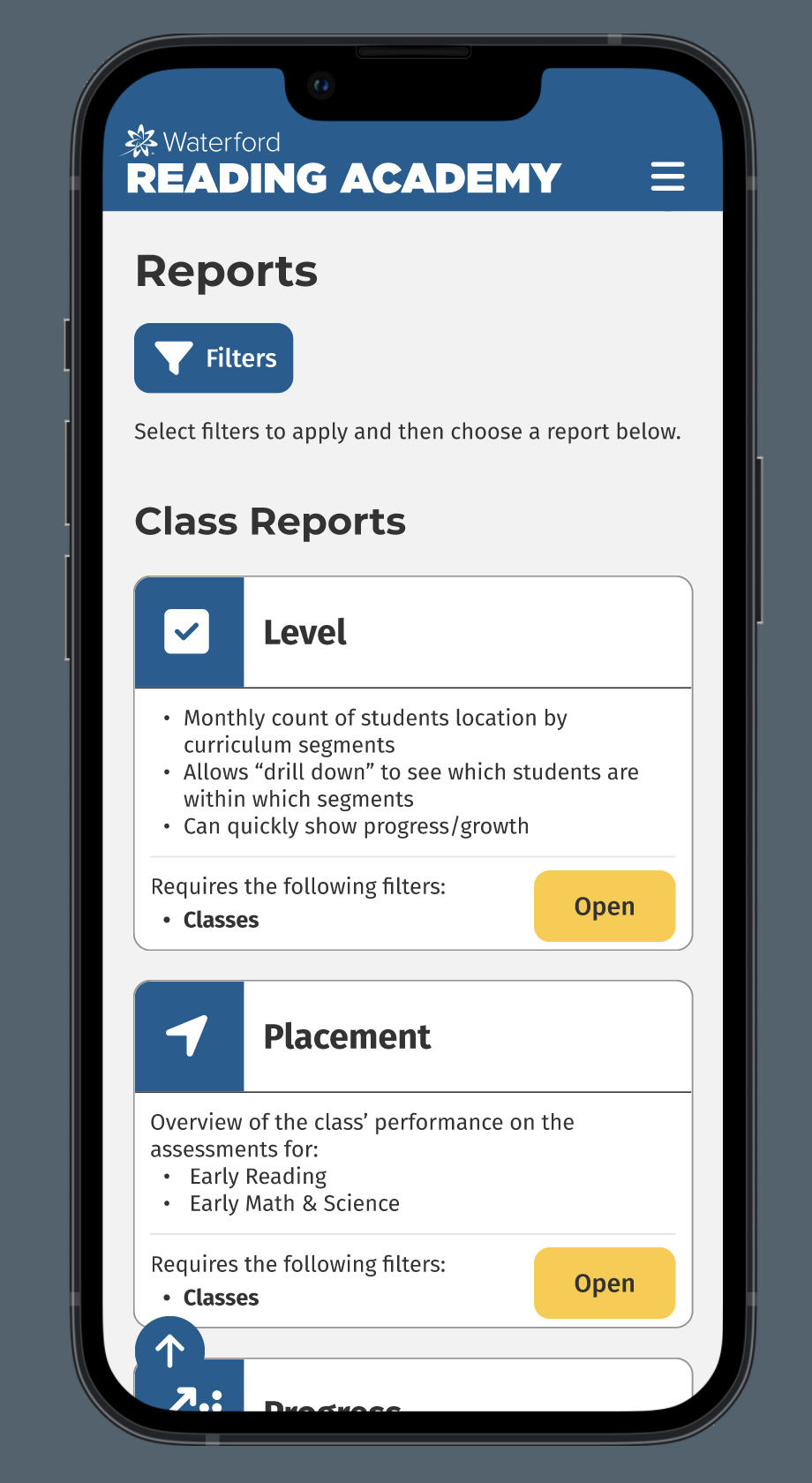
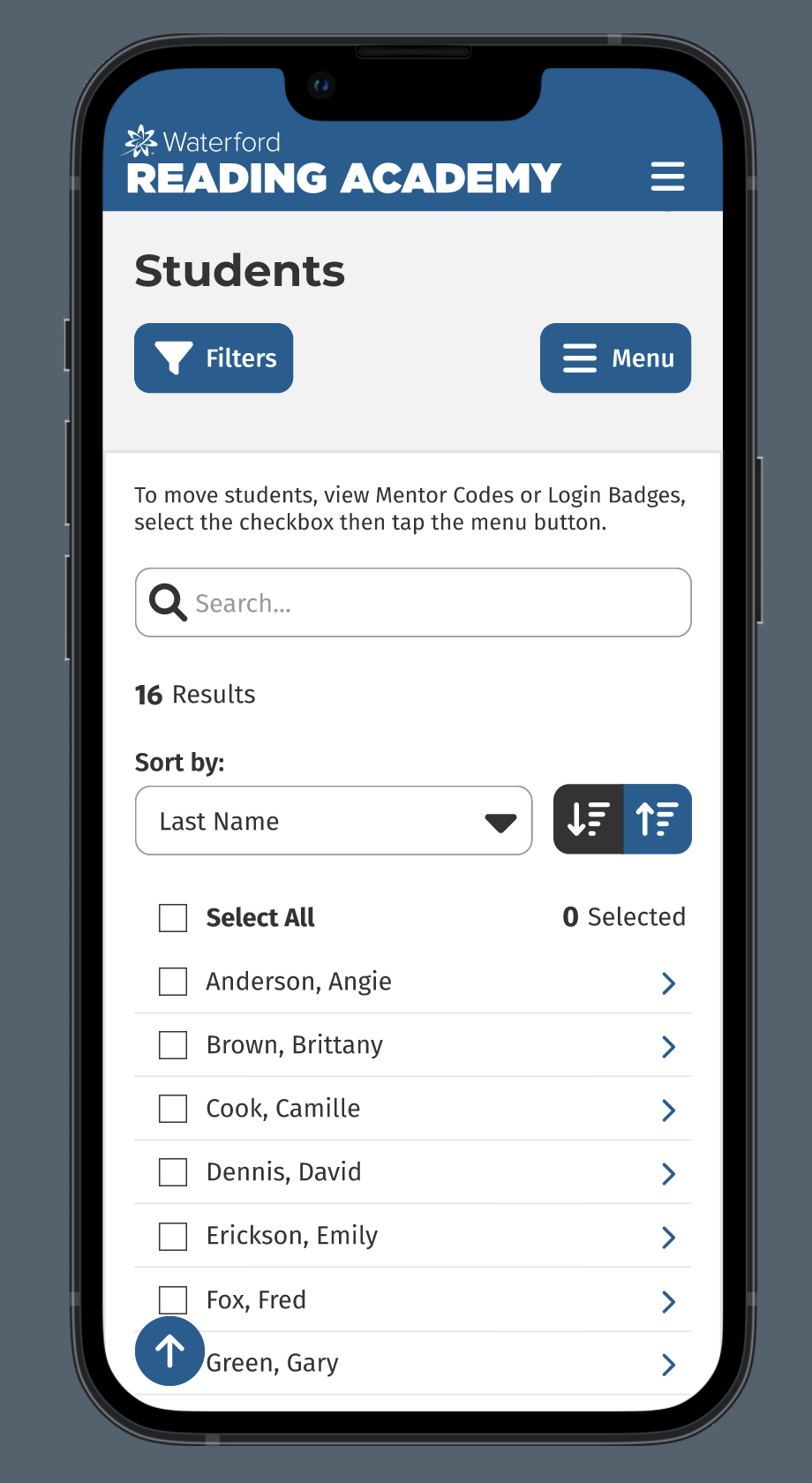
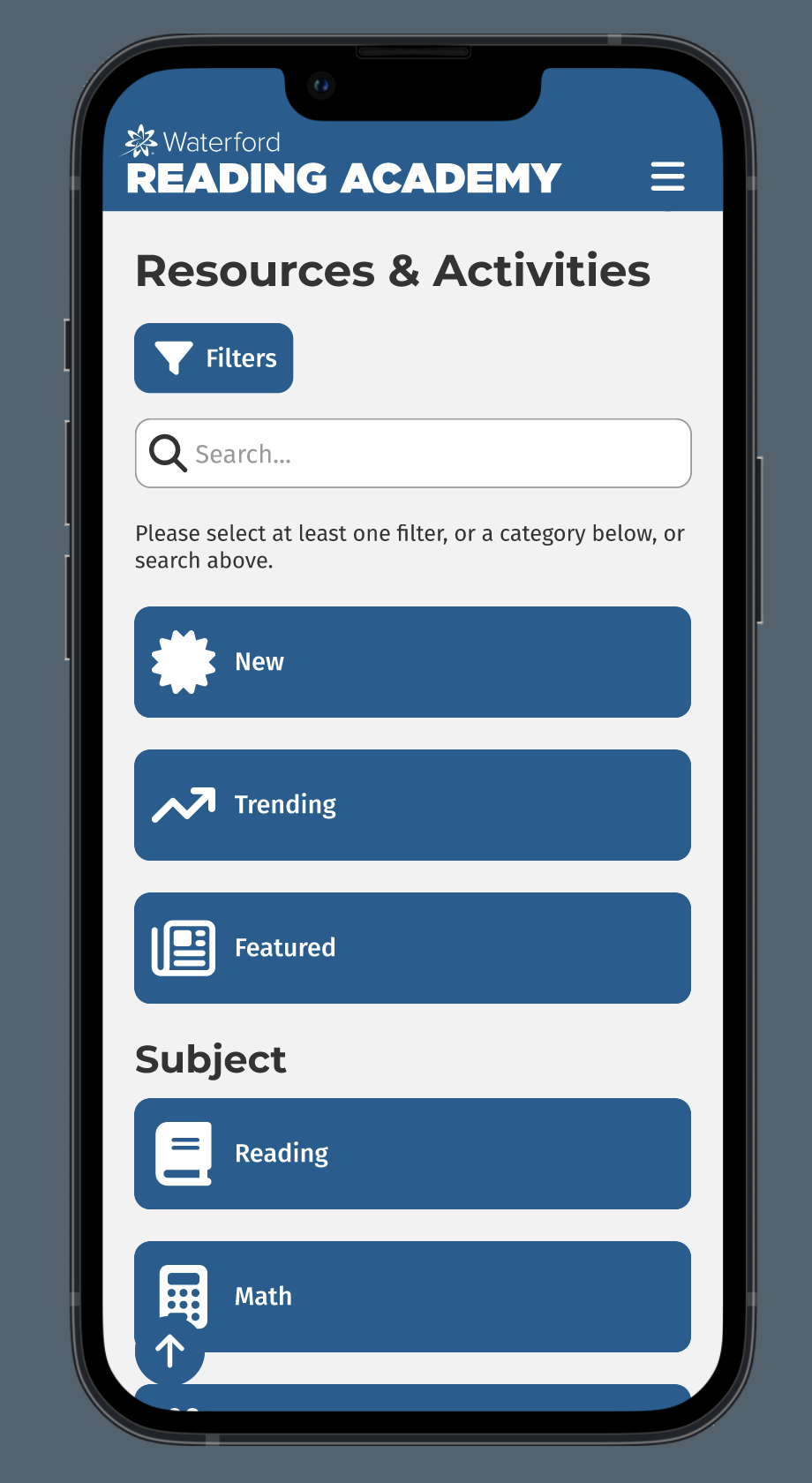
Desktop Screenshots
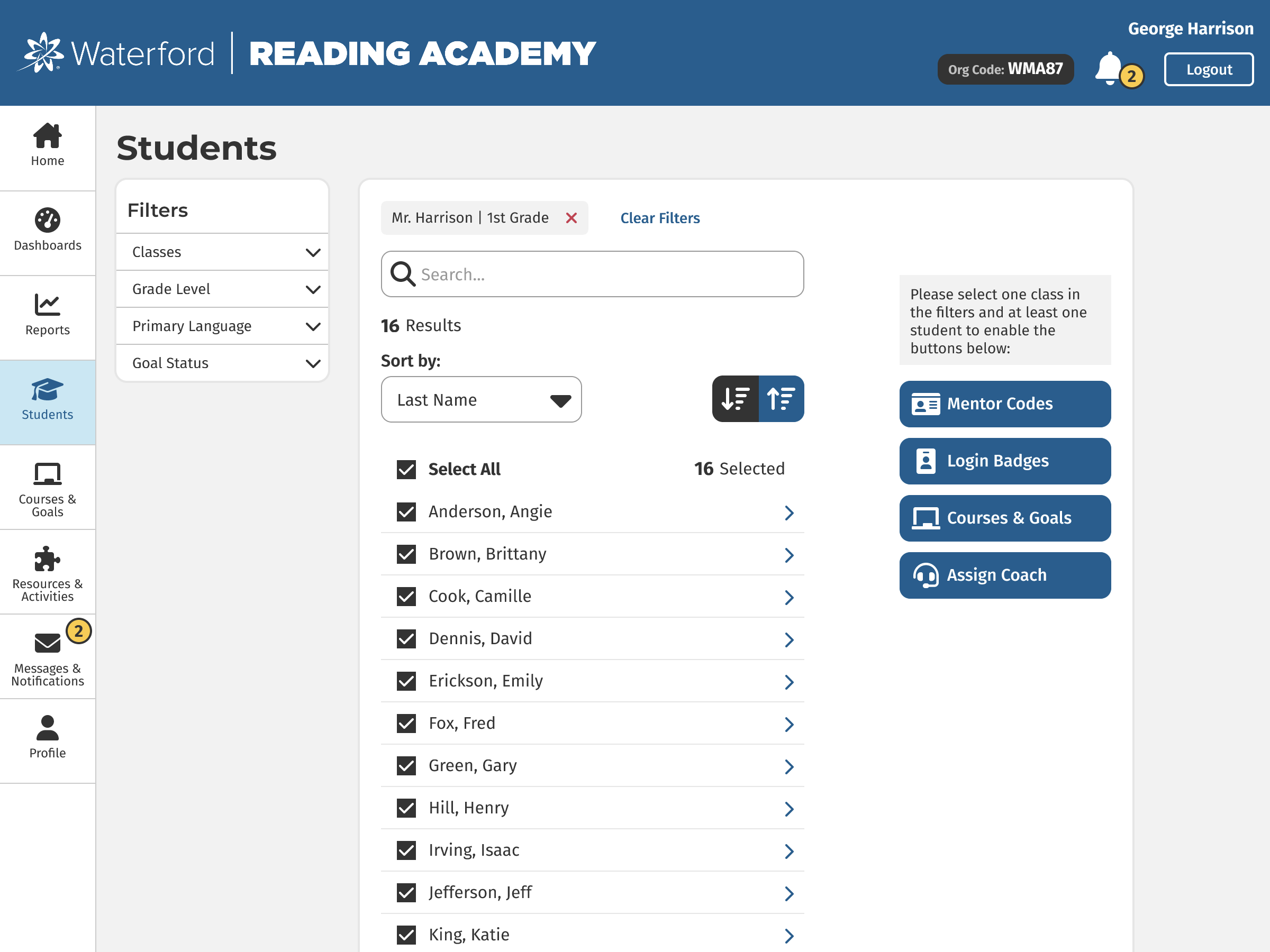
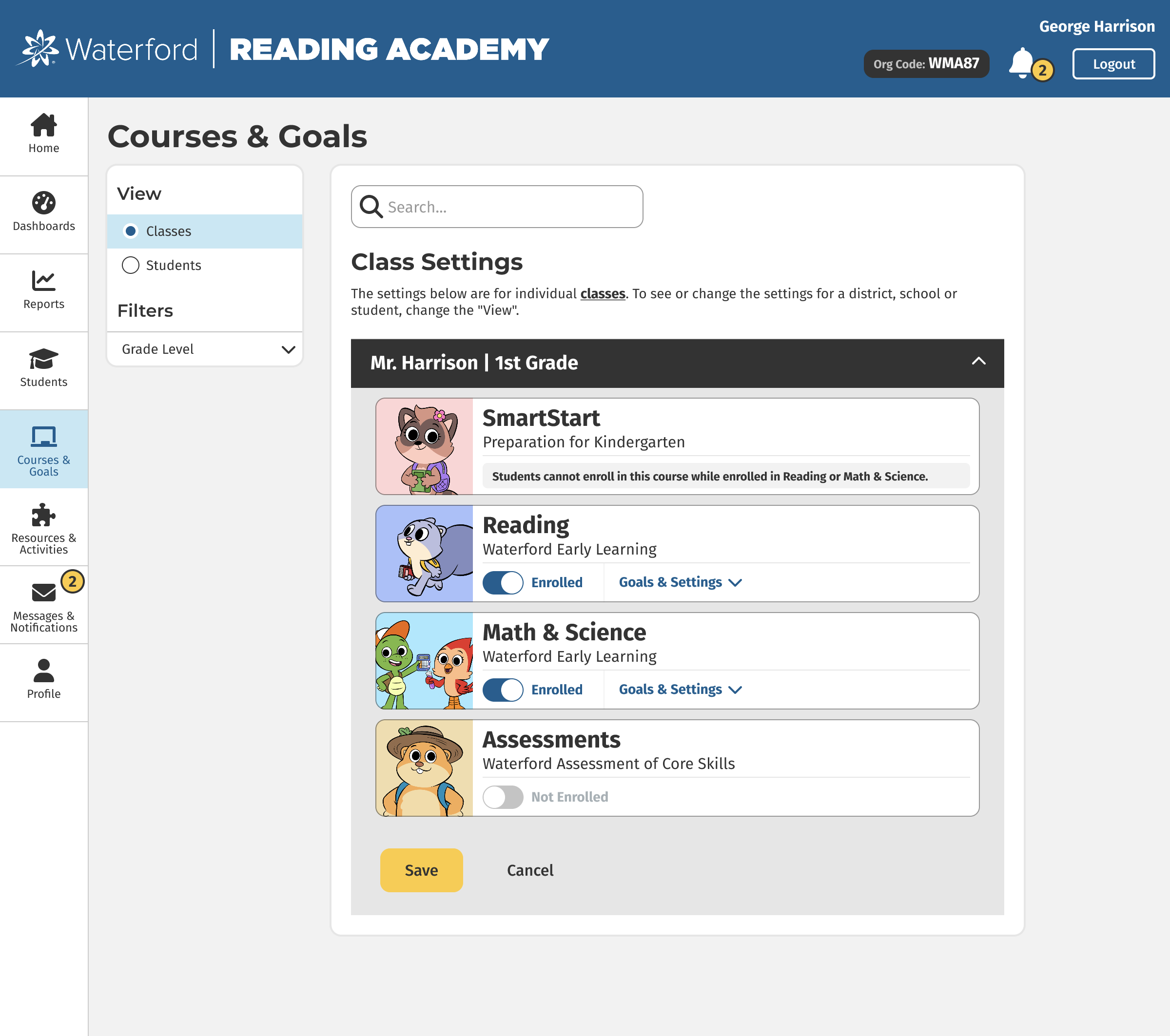
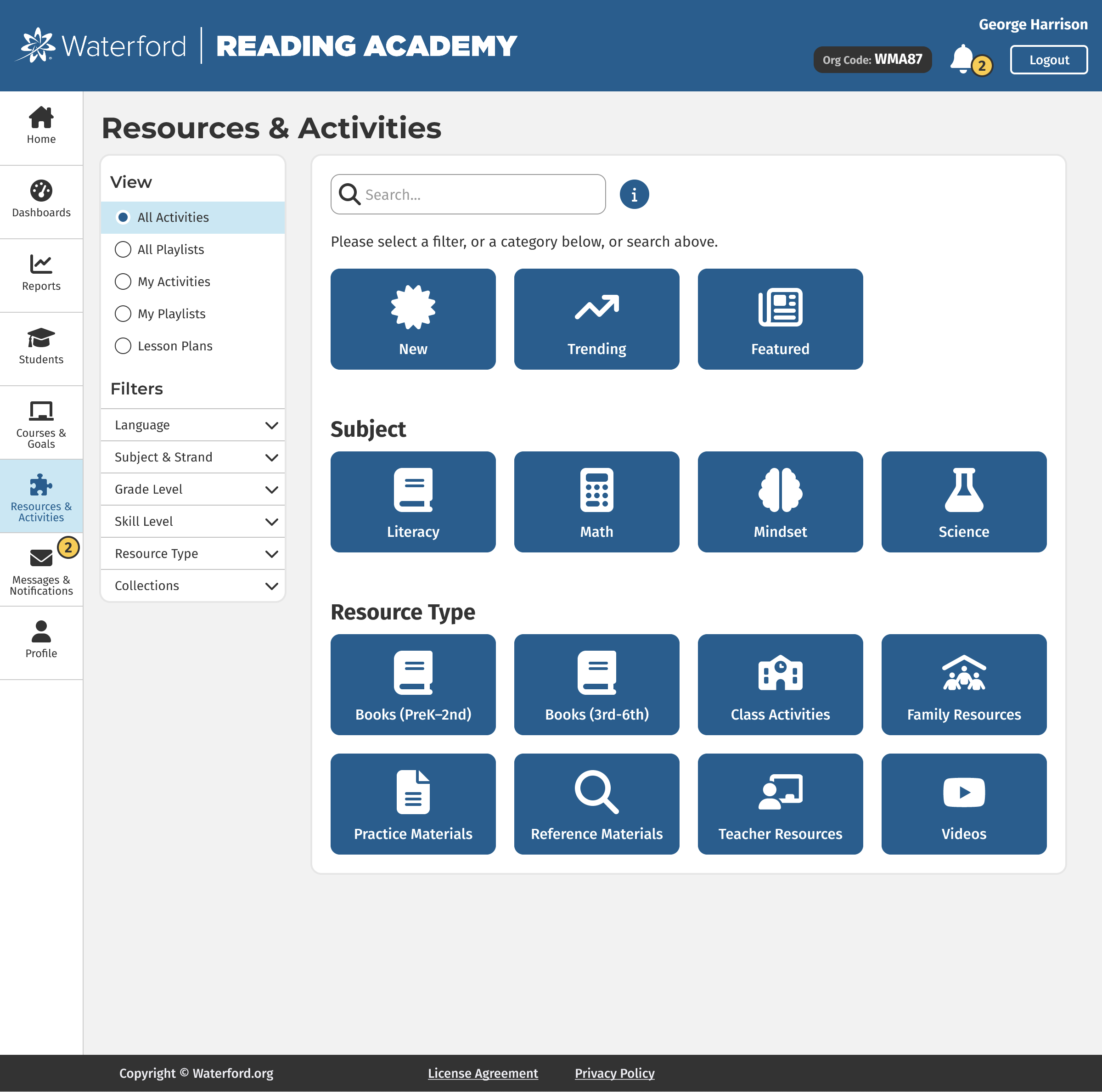
Research & Process
Problem #1
One of the most common things we heard from teachers is that they are super busy during the school year, so they don’t have much time to spend in Waterford Reading Academy. While they appreciate the software and have their students use it in class, teachers don’t have the bandwidth to dig through all the data and reports. We also learned that different teachers wanted different filters and custom settings on their reports. This presented a challenge as we initially were trying to design "one report to rule them all".
Solution #1
As we brainstormed this teacher persona, we thought of ways to simplify things as much as possible for these busy individuals. Since teachers have summers off, they spend that time setting up their classes and creating lesson plans. We decided to allow them to do the same thing with our software so it would be automated during the school year.
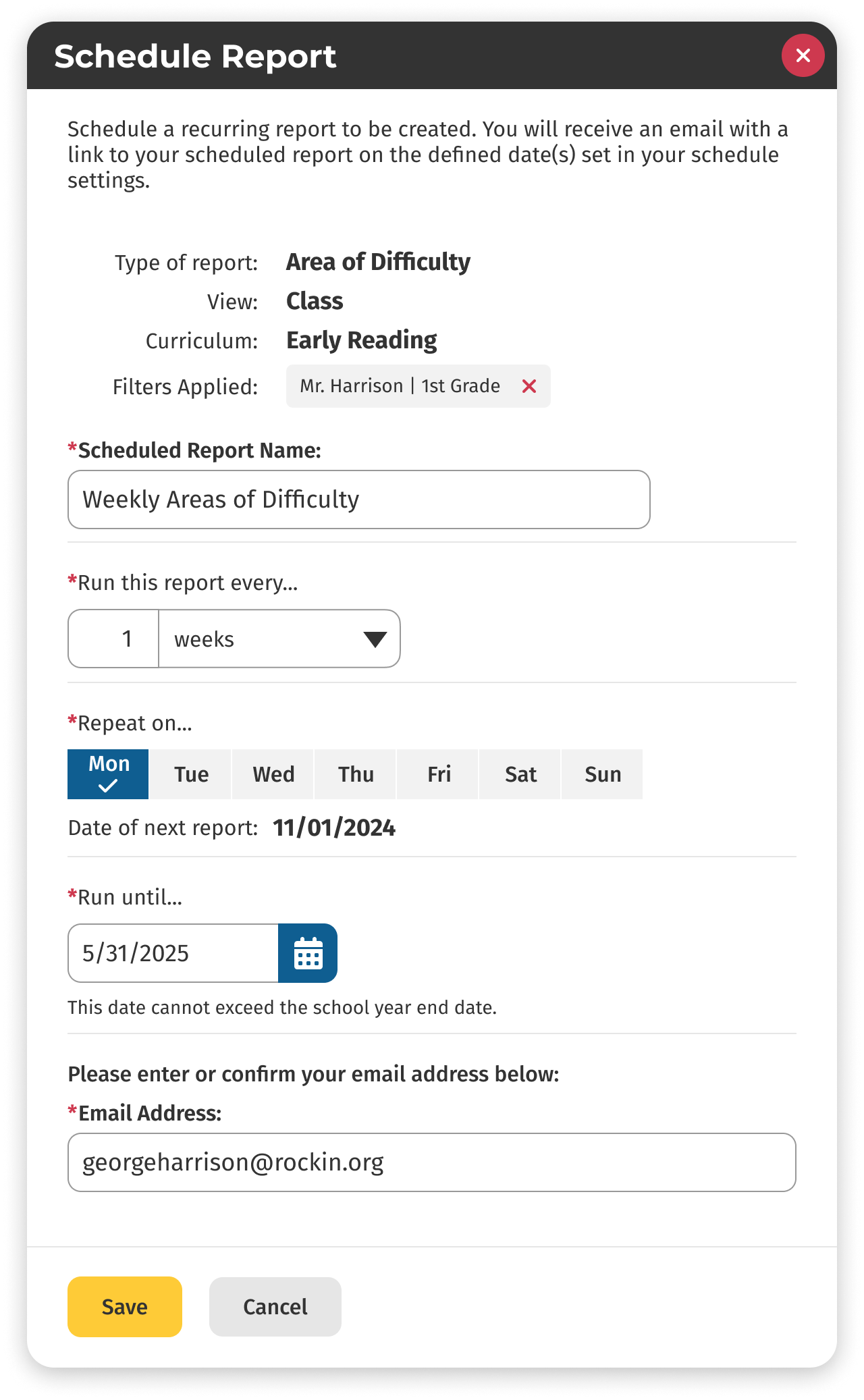
I designed a wizard that allows teachers to schedule reports to be automatically delivered to their email on a cadence that they choose. This way, teachers don’t need to manually generate reports every week. Instead, they can set it all up at once before school starts. Then they receive a digest email with the selected reports that they can quickly skim through to find out how their students are doing in the software. They can also create custom filters and save those in the scheduled report. This allows each teacher to get the customized report that they prefer.
Here is the report scheduling wizard:
Problem #2
The students who use our software are between 4 and 8 years old (PreK through 2nd Grade). Many of these younger children are using a computer and keyboard for the first time, so they have difficulty logging into our software.
Solution #2
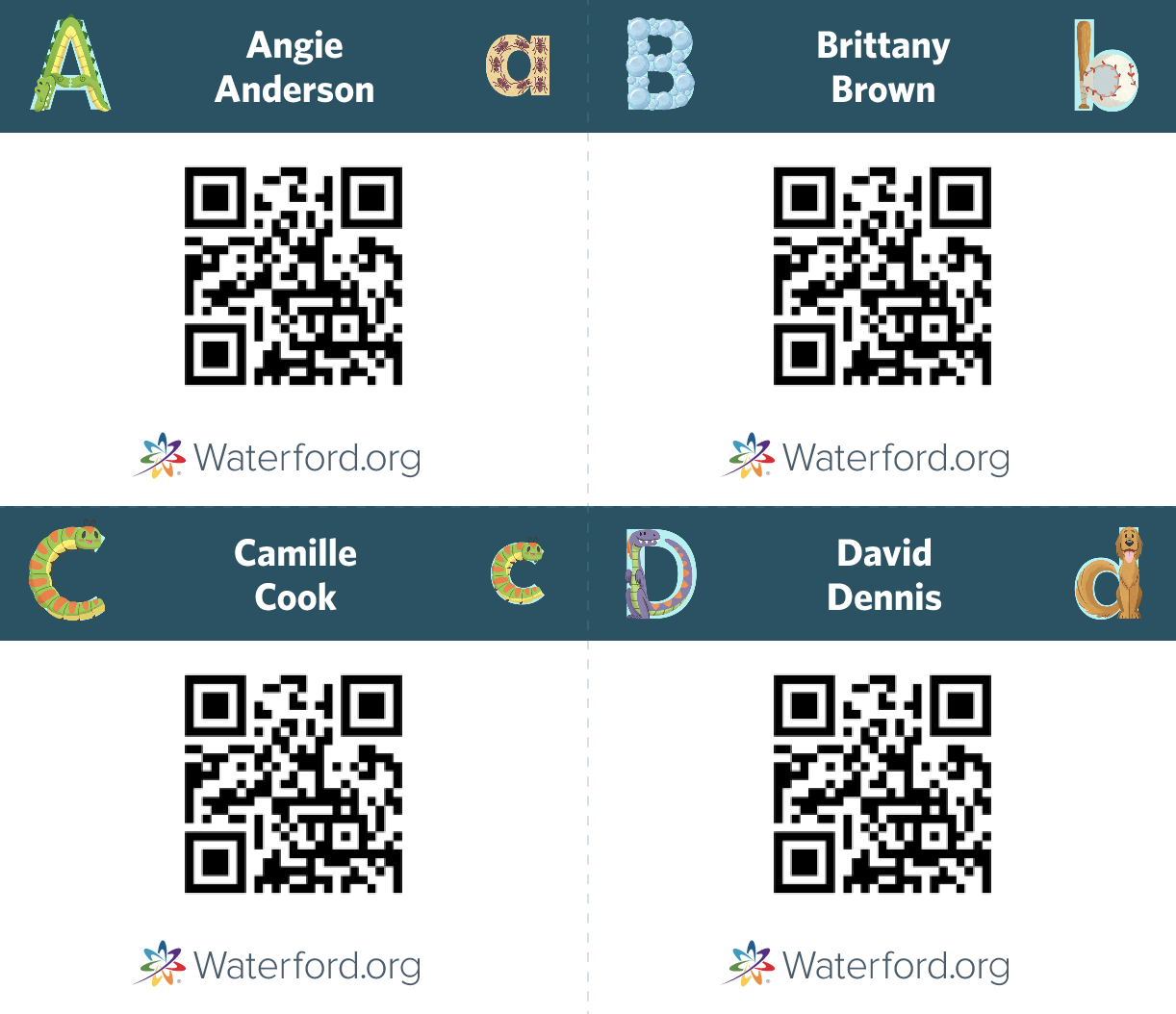
We decided to create login badges with QR codes that each student can scan into the computer camera to log them in automatically.
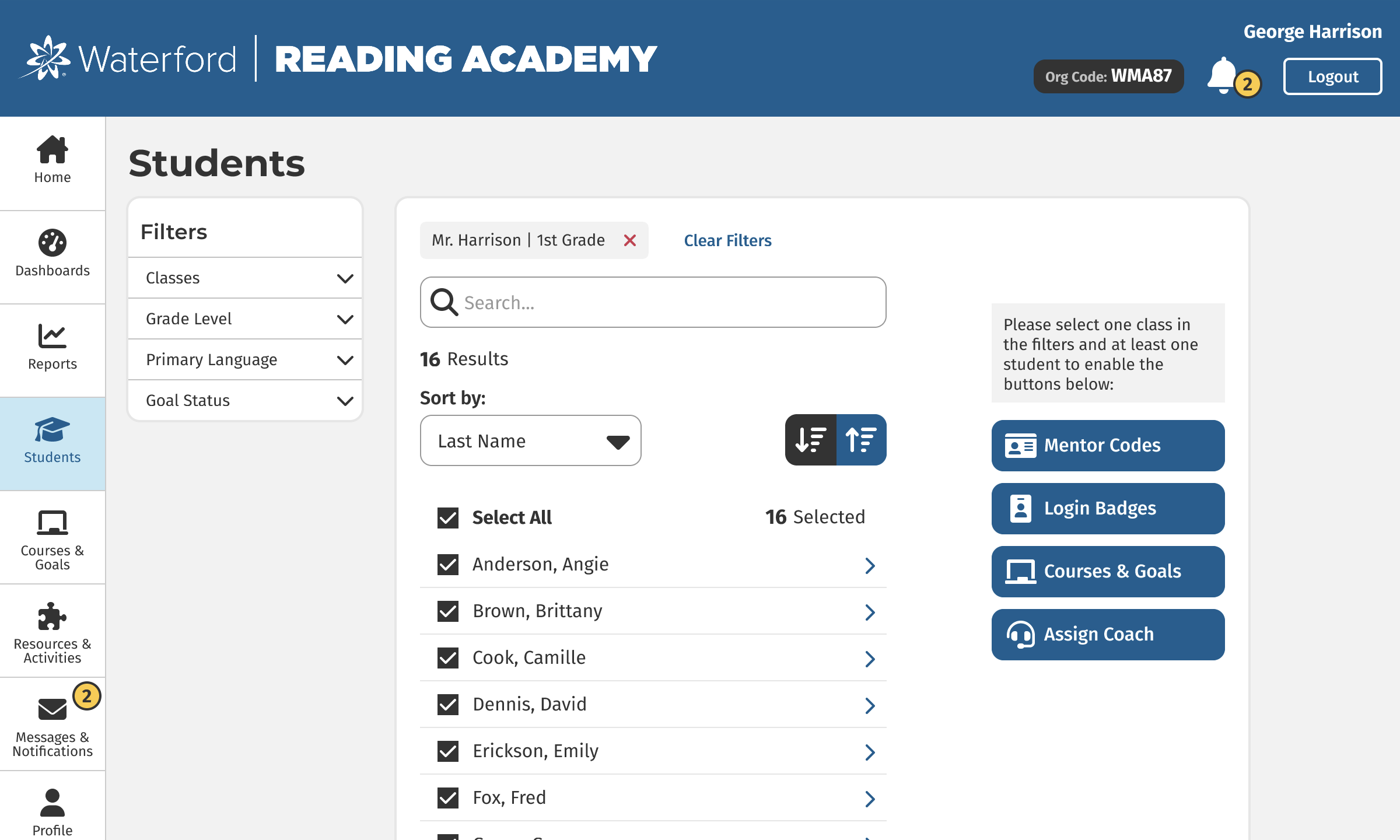
On the Students tab, a teacher can select their students and generate the login badges:
Since many of the younger children are just learning to read, we also included illustrations based on their initials to help them quickly find their badge. Here is what the badges look like:
These are just a few of the problems that we discovered and solutions we designed for Waterford Reading Academy. As a result, teachers are able to spend less time navigating our software and more time doing what they love: educating young learners.
To see the full site, check out the Figma prototypes at the top of this page.
← Back to Home